
Ayarlar panosu
Ayarlar sayfası tüm hesabınızı tek bir görünümde toplar — abonelik durumu, etkin risk kuralları, bağlı anahtarlar ve dahası — aralarında hızlıca gezinebileceğiniz modüler bloklara ayrılmış olarak.
Aşağıdaki bloklar Ayarlar sayfasında (/app2/settings) yer alır. API ve Entegrasyon gibi bazıları planınıza bağlıdır.
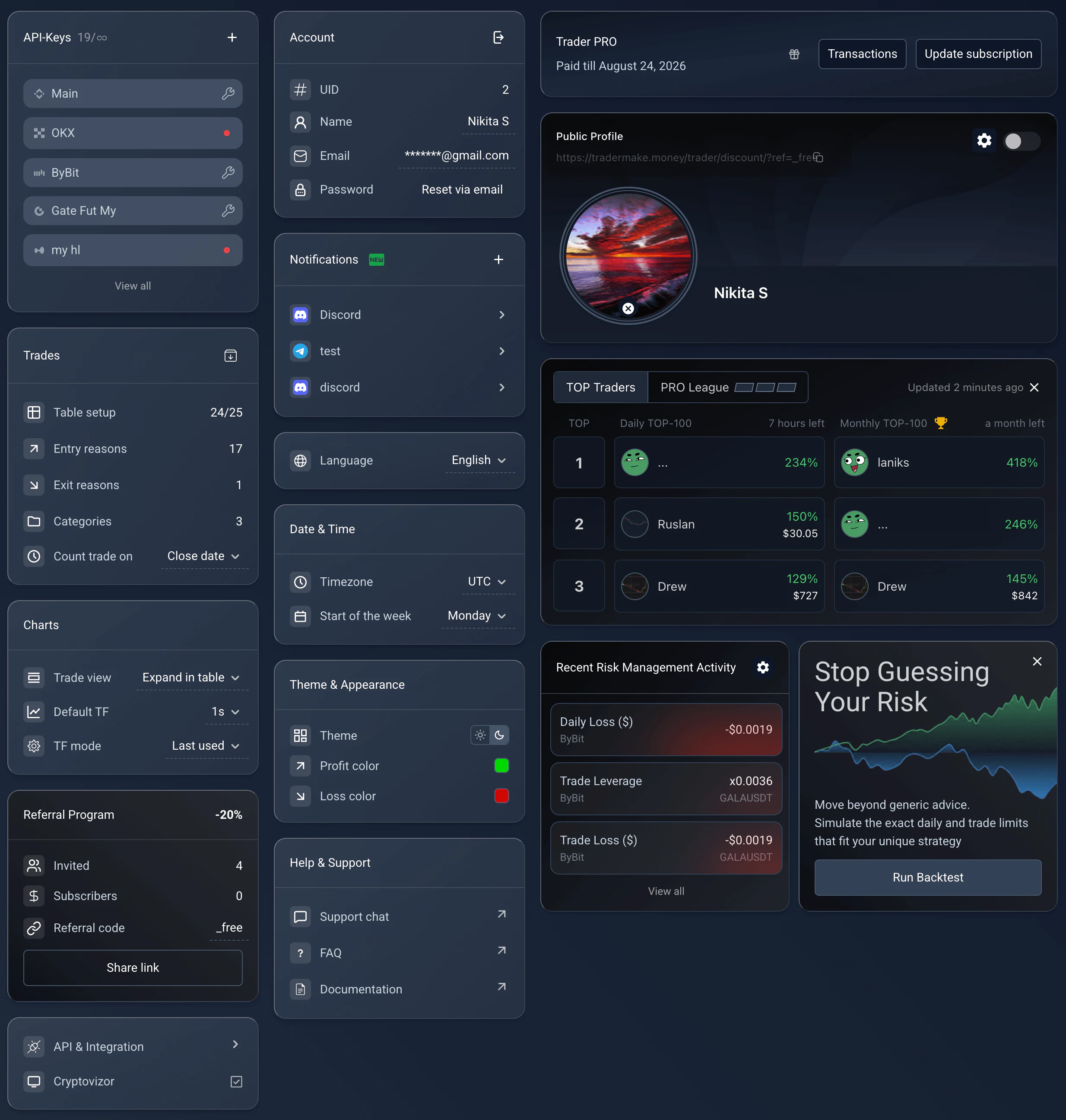
Ayarlar panosu: her tercih kendi modüler bloğunda.
Settings, /app2/settings. Reused from _media/settings-v2/overview (Mar 2026 v2 rewrite); block layout matches current UI.
Hesap bilgileri
Kimliğinizi ve güvenliğinizi yönetin. Blok, UID’nizi (benzersiz kullanıcı kimliği) gösterir; görünen adınızı ve e-postanızı düzenlemenize, parolanızı e-posta yoluyla sıfırlamanıza olanak tanır.
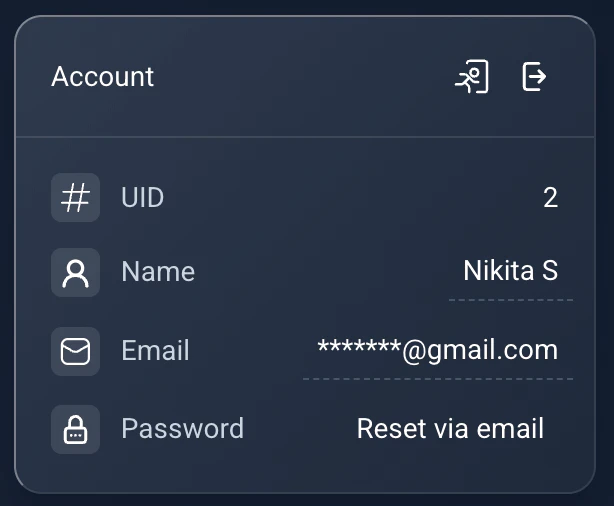
Hesap bilgileri: UID, kimlik bilgileri ve parola sıfırlama.
Settings → Account. Reused from _media/settings-v2/account (Mar 2026).
Abonelik
Mevcut planınızı ve bitiş tarihini görün, işlem geçmişinizi açın veya daha fazla özelliği açmak için planı yükseltin (daha çok borsa bağlantısı, daha uzun geçmiş, daha fazla pano ve widget).
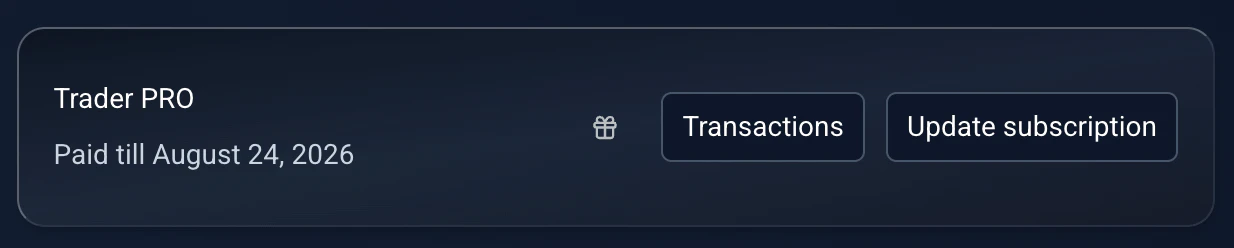
Abonelik: mevcut plan, bitiş tarihi ve yükseltme.
Settings → Subscription. Reused from _media/settings-v2/subscription (Mar 2026).
İşlemler tablosu
Günlüğün çekirdeğini özelleştirin. Tüm işlemleri arşivle (klasör simgesi) mevcut işlemleri Arşiv’e taşır. Tablo düzeni, İşlemlerim sayfasındaki sütunların görünürlüğünü ve sırasını yönetir. Ayrıca giriş nedenlerini, çıkış nedenlerini ve kategorileri düzenleyebilir; işlemlerin açılış tarihine mi yoksa kapanış tarihine mi göre sayılacağına karar verebilirsiniz.
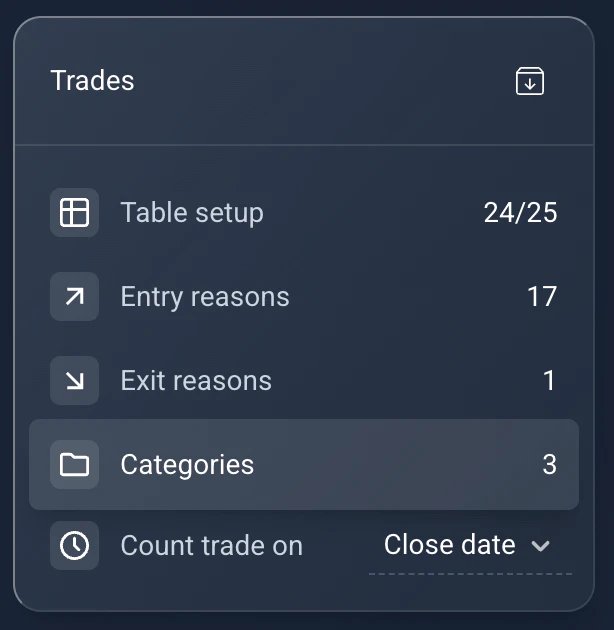
İşlemler: arşivleme, tablo düzeni, nedenler/kategoriler ve açılış/kapanış tarihi mantığı.
Settings → Trades. Reused from _media/settings-v2/trades (Mar 2026).
Grafik yapılandırması
Grafik ortamını ayarlayın. İşlem görünümü, “Tabloda genişlet” ile “Tam ekran” (dizüstü bilgisayarlar için önerilir) arasında geçiş yapar. Varsayılan TF taban zaman dilimini belirler, TF modu ise Uyarlanabilir (otomatik ayar) ile Son kullanılan mantığı arasında seçim yapar.
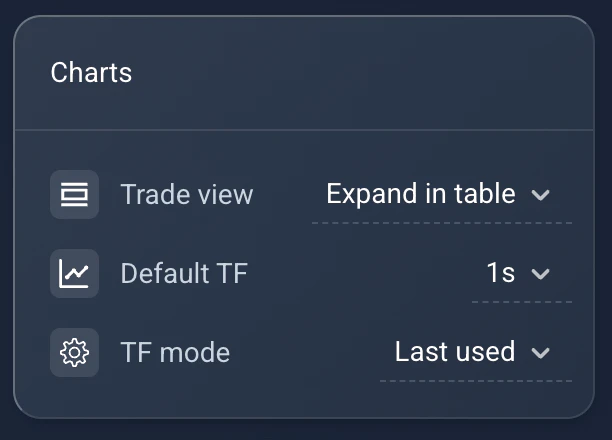
Grafikler: işlem görünümü, varsayılan zaman dilimi ve TF modu.
Settings → Charts. Reused from _media/settings-v2/charts (Mar 2026).
Dil ve saat dilimi
Platformu yerelleştirin: arayüz dilinizi seçin, işlemlerin doğru gruplanması için saat diliminizi ayarlayın ve işlem haftanızın başlangıcını tanımlayın.
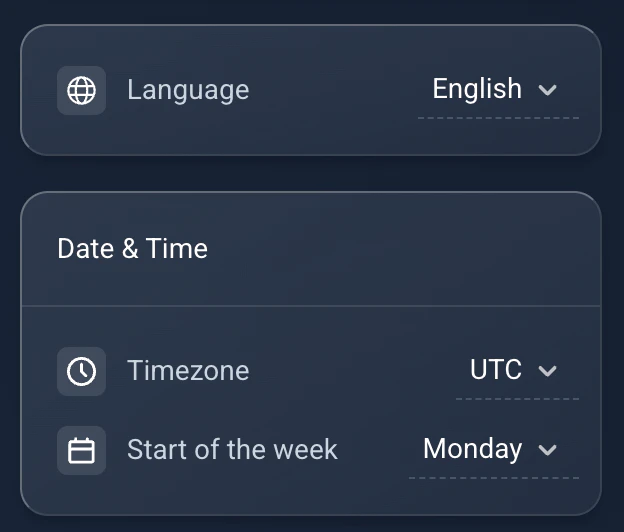
Dil ve saat dilimi: arayüz dili, saat dilimi ve hafta başlangıcı.
Settings → Language. Reused from _media/settings-v2/date_language (Mar 2026).
Tema ve görünüm
Açık ve Koyu tema arasında geçiş yapın, kâr ve zarar değerlerinde kullanılan renkleri özelleştirin.
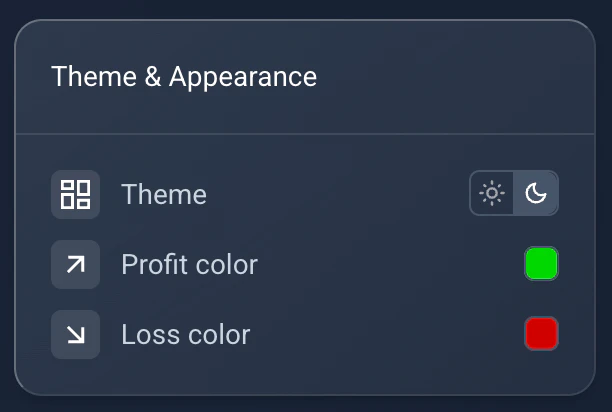
Tema ve görünüm: açık/koyu tema ile kâr/zarar renkleri.
Settings → Theme. Reused from _media/settings-v2/theme_appearance (Mar 2026).
Herkese Açık Profil, Top Traders ve Risk önizlemeleri
Üç önizleme bloğu, başka yerlerde yapılandırdığınız özellikleri öne çıkarır. Herkese Açık Profil görünürlüğü açıp kapatmanızı ve dişli simgesiyle tüm özelleştirmeyi açmanızı sağlar (bkz. herkese açık profil rehberi). Top Traders sıralamadaki yerinizi ya da liderleri gösterir. Risk Yönetimi son ihlalleri özetler ve simülasyon laboratuvarına bağlanır.
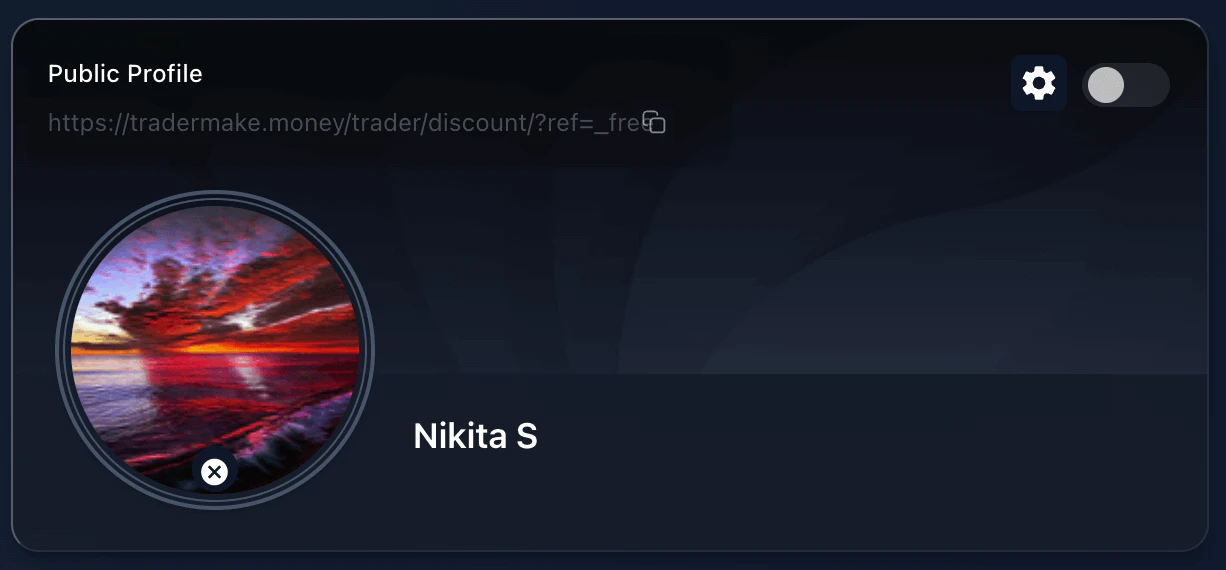
Herkese Açık Profil önizlemesi: görünürlüğü açıp kapatın ve tüm özelleştirmeyi açın.
Settings → Public Profile preview. Reused from _media/settings-v2/public_profile_preview (Mar 2026).
API anahtarları
Borsa bağlantılarınızı yönetin. Yalnızca etkin anahtarlar gösterilir. Bir anahtardaki senkronizasyon sorunlarını gidermek için İngiliz anahtarı (onarım) simgesini kullanın.
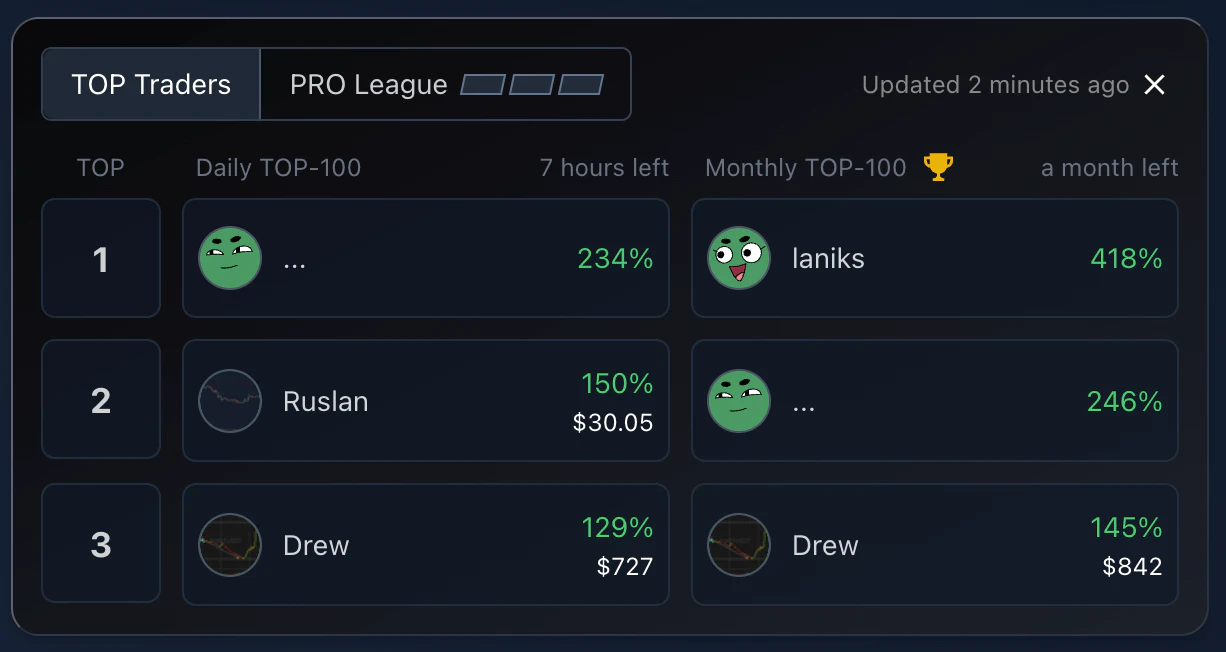
Top Traders önizlemesi: sıralamadaki yeriniz ve liderlik tablosu.
Settings → Top Traders preview. Reused from _media/settings-v2/top_traders_preview (Mar 2026).
Bildirimler
Telegram ve Discord bağlantılarınızın durumunu görün veya yenilerini eklemek için Bağlantılar sihirbazına geçin.
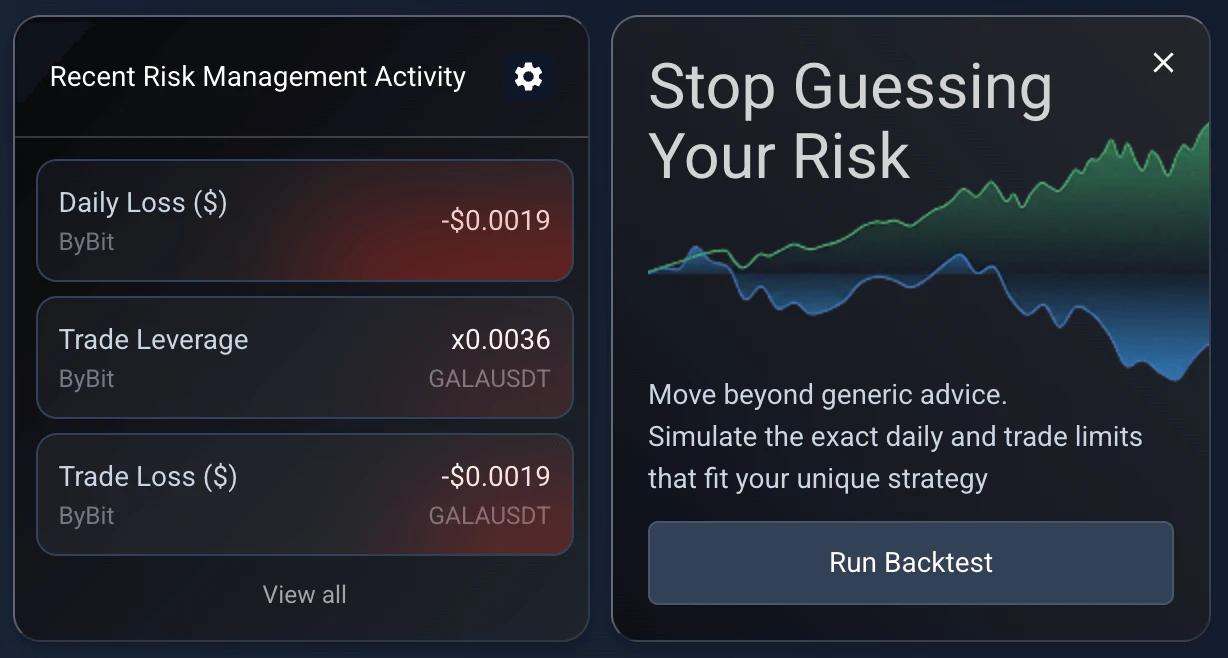
Risk Yönetimi önizlemesi: son ihlaller ve simülasyon laboratuvarı.
Settings → Risk Management preview. Reused from _media/settings-v2/risk_management_preview (Mar 2026).
Referans programı
Arkadaşlarınızı davet edin, abonelik ödülleri kazanın. Davet ettiğiniz arkadaş ilk ödemesinde %20 indirim alır; siz de her davet ettiğiniz arkadaşın ilk ödemesi için bonus olarak bir aylık abonelik uzatması kazanırsınız.
Bonus, yenilemelerden bağımsız olarak davet edilen kullanıcı başına bir kez verilir ve yıllık planlarda bile bir ayla sabittir. Bonus geldiğinde etkin bir aboneliğiniz yoksa, arkadaşınız temel bir plan aldıysa Novice+, Trader/PRO aldıysa Trader alırsınız. Kullanılmayan bonuslar, destek ekibine e-posta göndererek cüzdanınıza çekilebilir.
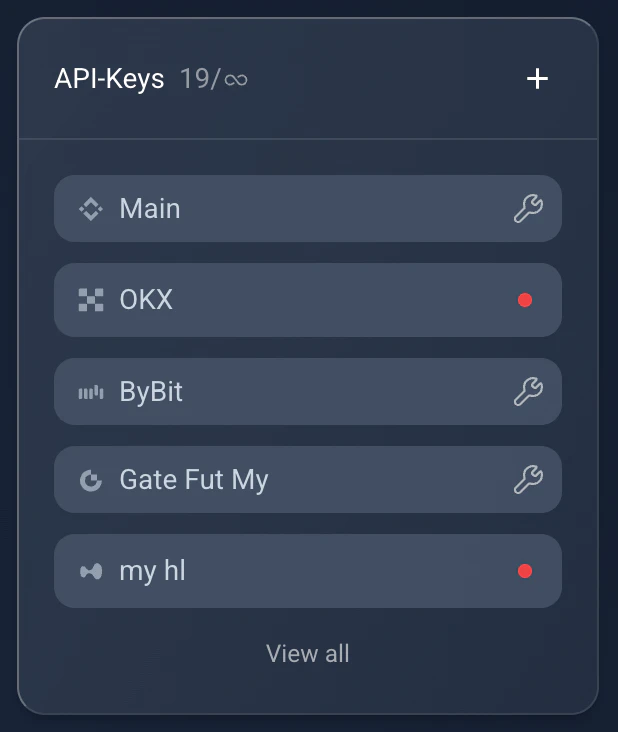
API Anahtarları: yalnızca etkin anahtarlar ve senkronizasyon sorunlarını gideren onarım simgesi.
Settings → API Keys. Reused from _media/settings-v2/api_keys (Mar 2026).
API ve Entegrasyon
İleri düzey kullanıcılar için gelişmiş ayarlar. Bu modül yalnızca Trader ödeme planı ve üzerinde kullanılabilir. Kendi entegrasyonlarınızı geliştirmeniz için geliştirici API anahtarlarını ve Cryptovizor entegrasyonu anahtarını sunar (hesapların eşleşmesi için her iki platformda aynı e-posta gerekir).
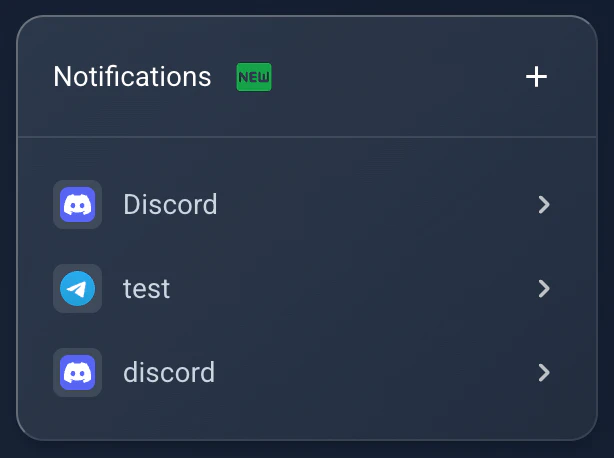
Bildirimler: Telegram ve Discord bağlantı durumu.
Settings → Notifications. Reused from _media/settings-v2/notifications (Mar 2026).
AI'ınızı bağlayın
Burada TMM MCP sunucusu için kişisel bir token oluşturursunuz; böylece Claude, Claude Code veya ChatGPT günlüğünüzü okuyabilir. Doğrulanmış her hesap ücretsiz bir token oluşturabilir. Tokeni daha sonra aynı bloktan tekrar gösterip kopyalayabilir, oradan iptal edebilir ya da yenisini üretebilirsiniz. Erişim salt okunur: asistan işlemlerinizi, istatistiklerinizi ve günlük notlarınızı okur, hesabınızda hiçbir şeyi değiştiremez. Uç nokta ve her istemci için kurulum adımları MCP sunucusu rehberinde.
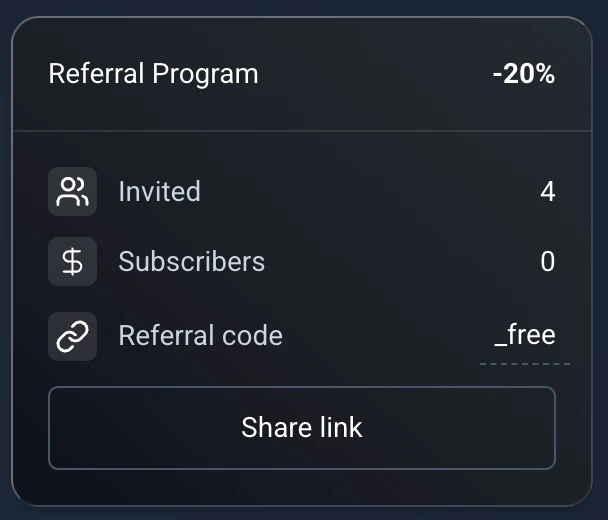
Referans: arkadaşınıza %20 indirim, size bir ay uzatma.
Settings → Referral. Reused from _media/settings-v2/referral (Mar 2026); -20% and terms match ReferralBlock.vue.
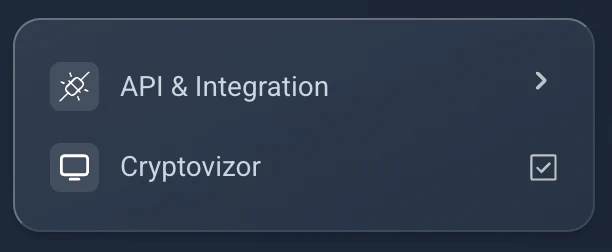
API ve Entegrasyon: geliştirici anahtarları ve Cryptovizor anahtarı (Trader planı ve üzeri).
Settings → API & Integration. Reused from _media/settings-v2/api_integration (Mar 2026).