
El panel de configuración
La página de configuración te da una vista única de toda tu cuenta —estado de la suscripción, reglas de riesgo activas, claves conectadas y más— repartida en bloques modulares entre los que puedes saltar.
Los bloques que se describen abajo están en Configuración (/app2/settings). Algunos, como API e integración, dependen de tu plan.
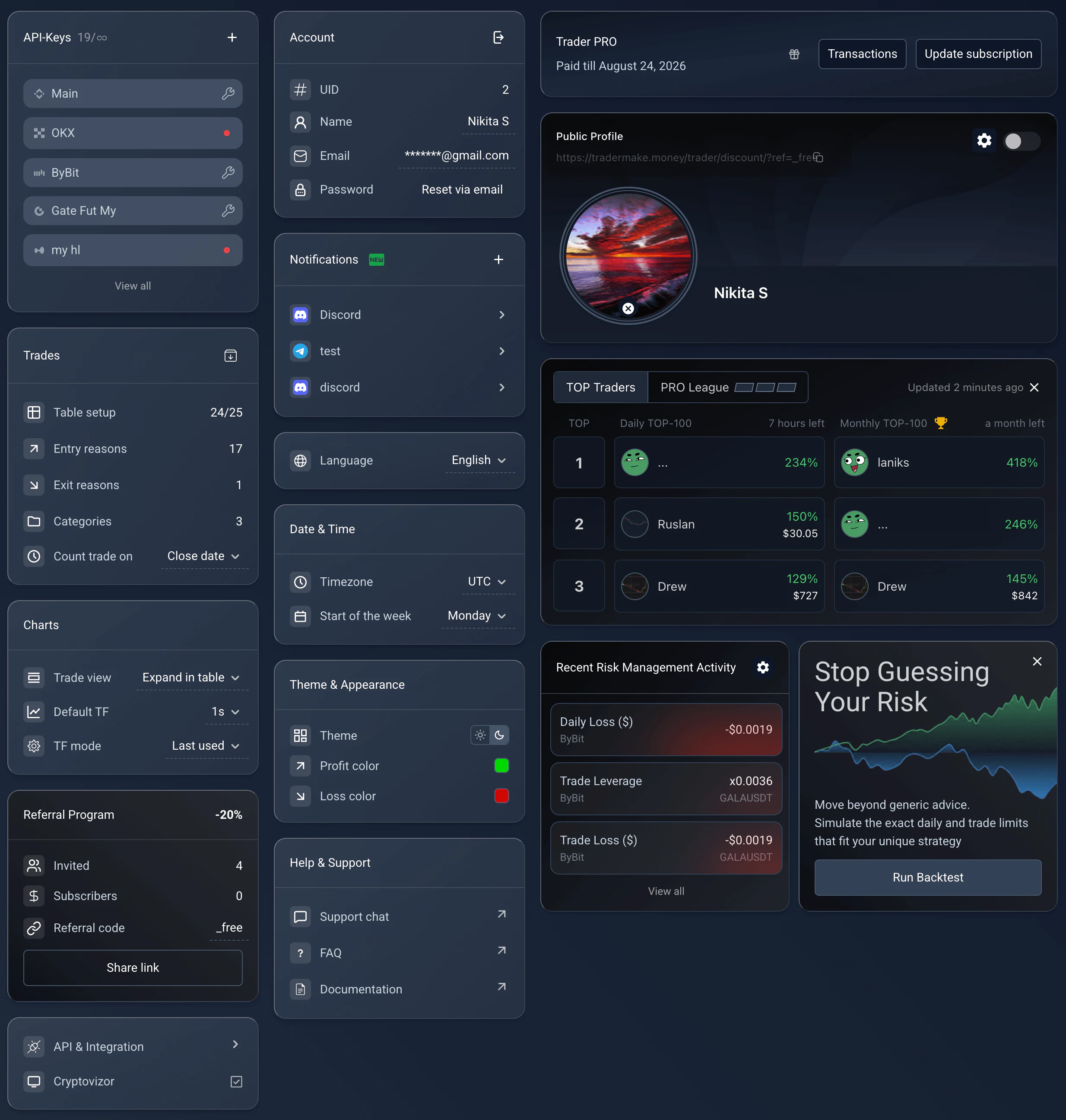
El panel de configuración: cada preferencia en su propio bloque modular.
Settings, /app2/settings. Reused from _media/settings-v2/overview (Mar 2026 v2 rewrite); block layout matches current UI.
Datos de la cuenta
Gestiona tu identidad y tu seguridad. El bloque muestra tu UID (identificador único de usuario), te permite editar el nombre que se muestra y el email, y restablecer la contraseña por email.
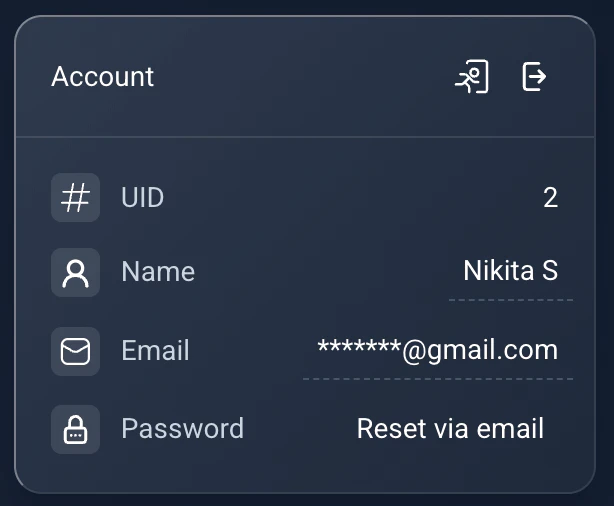
Datos de la cuenta: UID, identidad y restablecimiento de contraseña.
Settings → Account. Reused from _media/settings-v2/account (Mar 2026).
Suscripción
Consulta tu plan actual y su fecha de caducidad, abre tu historial de transacciones o mejora de plan para desbloquear más funciones (más conexiones a exchanges, historial más largo, más tableros y widgets).
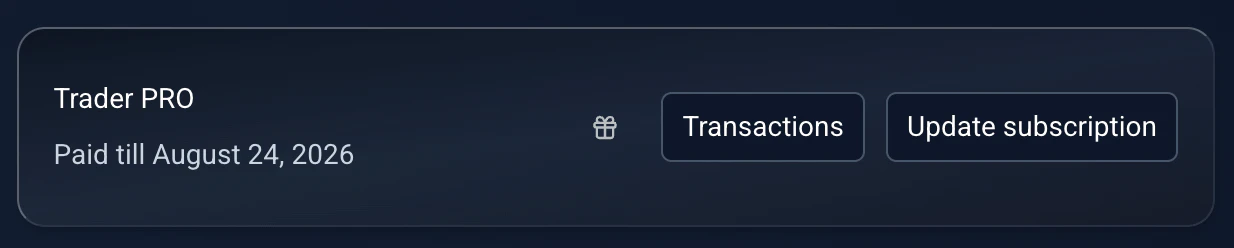
Suscripción: plan actual, caducidad y mejora de plan.
Settings → Subscription. Reused from _media/settings-v2/subscription (Mar 2026).
Tabla de operaciones
Personaliza el núcleo del diario. Archivar todas las operaciones (el icono de carpeta) mueve las operaciones actuales al Archivo. Configuración de la tabla controla qué columnas se ven y en qué orden en Mis operaciones. También puedes editar los motivos de entrada, los motivos de salida y las categorías, y decidir si las operaciones se cuentan por su fecha de apertura o por su fecha de cierre.
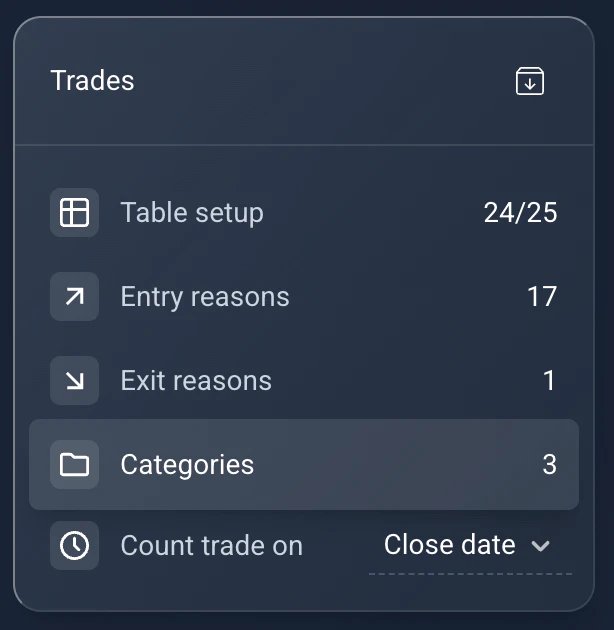
Operaciones: archivo, configuración de la tabla, motivos y categorías, y lógica de fecha de apertura/cierre.
Settings → Trades. Reused from _media/settings-v2/trades (Mar 2026).
Configuración de gráficos
Ajusta el entorno del gráfico. Vista de operación alterna entre "Expandir en la tabla" y "Pantalla completa" (recomendado en portátiles). TF predeterminado fija el marco temporal mínimo, y Modo TF elige entre Adaptativo (se ajusta solo) y Último usado.
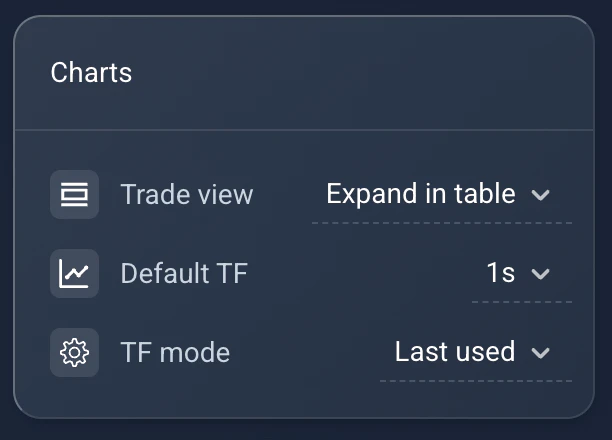
Gráficos: vista de operación, marco temporal predeterminado y modo TF.
Settings → Charts. Reused from _media/settings-v2/charts (Mar 2026).
Idioma y zona horaria
Adapta la plataforma a tu región: elige el idioma de la interfaz, fija tu zona horaria para agrupar bien las operaciones y define el inicio de tu semana de trading.
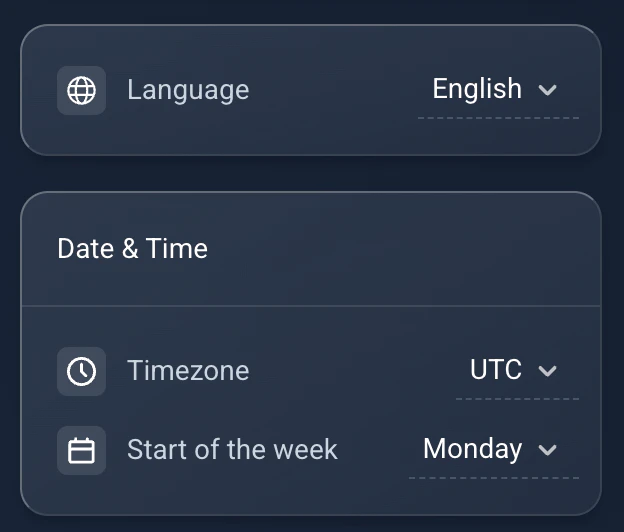
Idioma y zona horaria: idioma de la interfaz, zona horaria e inicio de la semana.
Settings → Language. Reused from _media/settings-v2/date_language (Mar 2026).
Tema y apariencia
Alterna entre tema claro y oscuro, y personaliza los colores que se usan para las ganancias y las pérdidas.
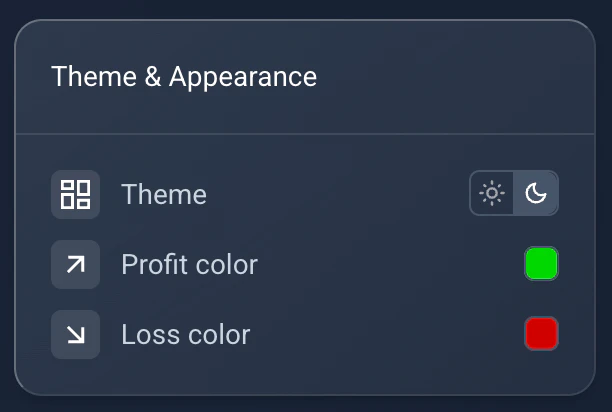
Tema y apariencia: modo claro/oscuro y colores de ganancia y pérdida.
Settings → Theme. Reused from _media/settings-v2/theme_appearance (Mar 2026).
Vistas previas de Perfil público, Top Traders y Riesgo
Tres bloques de vista previa asoman funciones que se configuran en otro sitio. Perfil público te deja activar o desactivar la visibilidad y abrir la personalización completa con el icono del engranaje (mira la guía del perfil público). Top Traders muestra tu posición o la de los líderes. Gestión de riesgo resume las infracciones recientes y enlaza al laboratorio de simulación.
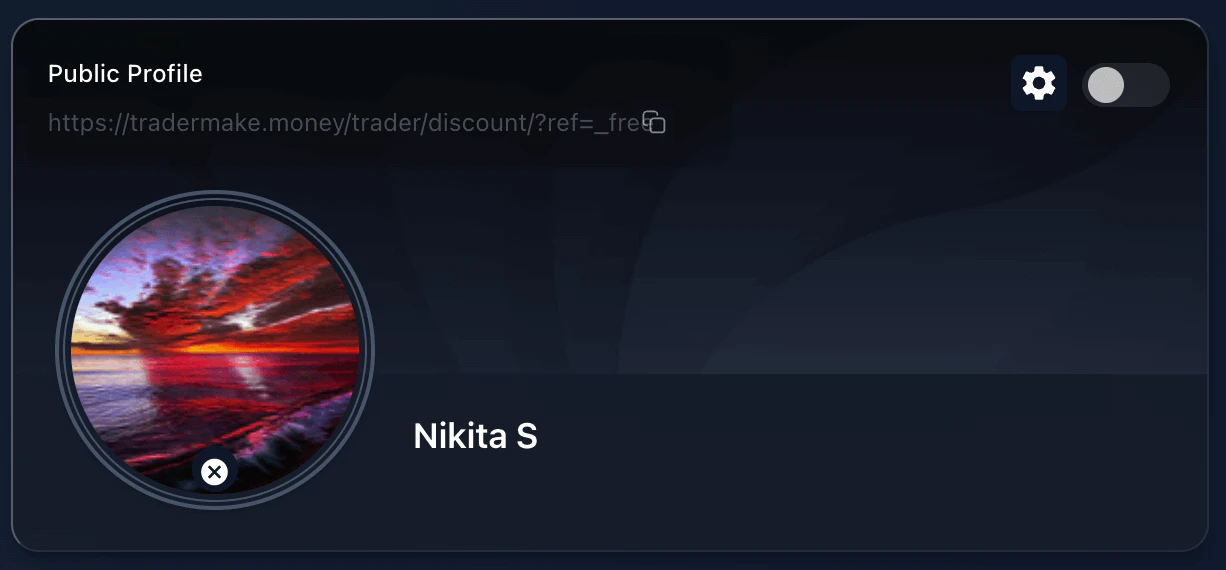
Vista previa del Perfil público: activa la visibilidad y abre la personalización completa.
Settings → Public Profile preview. Reused from _media/settings-v2/public_profile_preview (Mar 2026).
Claves API
Gestiona tus conexiones con los exchanges. Solo se muestran las claves activas. Usa el icono de la llave inglesa (reparar) para arreglar problemas de sincronización de una clave.
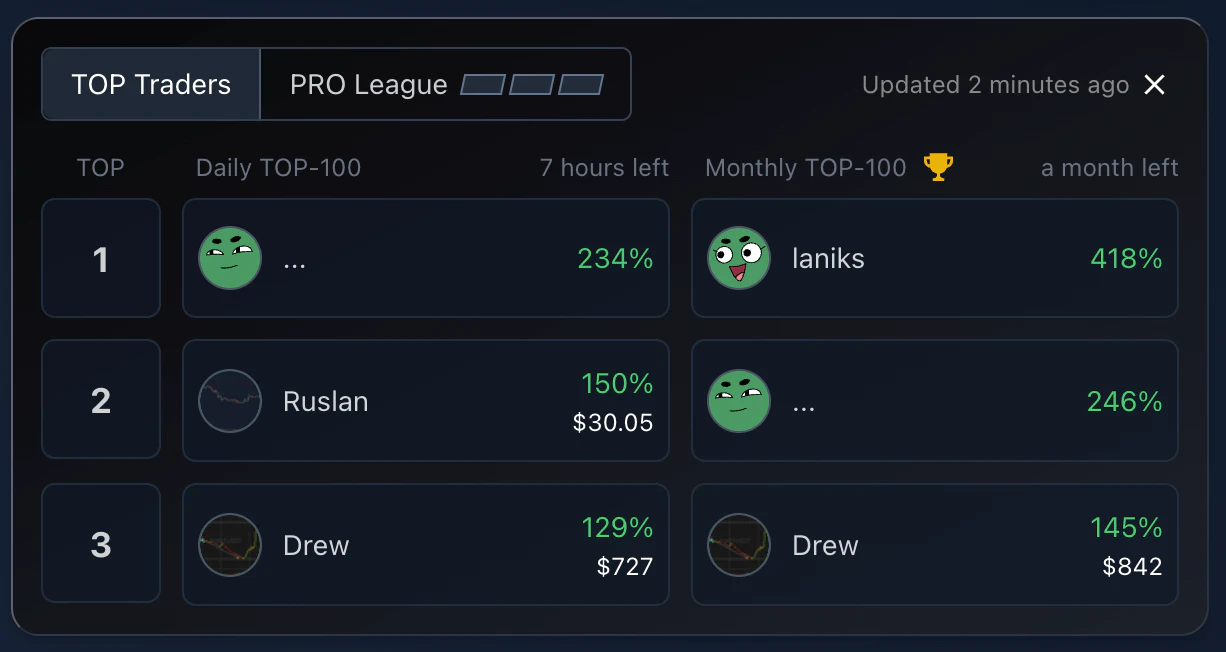
Vista previa de Top Traders: tu posición y la clasificación.
Settings → Top Traders preview. Reused from _media/settings-v2/top_traders_preview (Mar 2026).
Notificaciones
Consulta el estado de tus enlaces con Telegram y Discord, o entra en el asistente de Conexiones para añadir más.
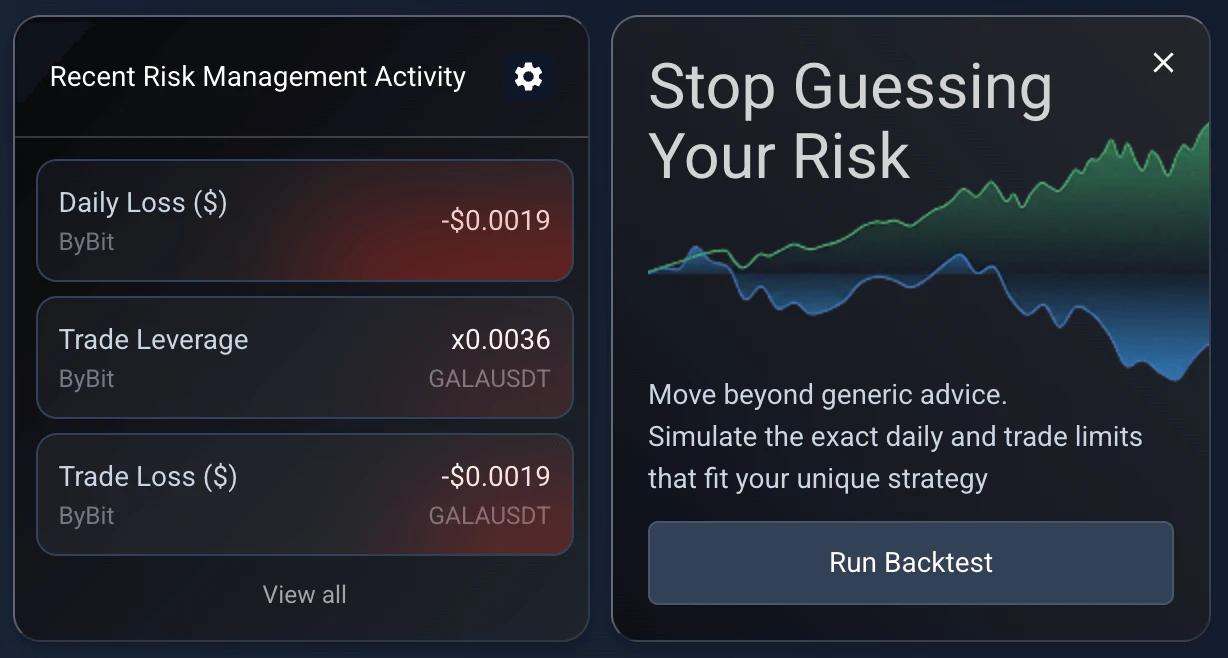
Vista previa de Gestión de riesgo: infracciones recientes y laboratorio de simulación.
Settings → Risk Management preview. Reused from _media/settings-v2/risk_management_preview (Mar 2026).
Programa de referidos
Invita a tus amigos y gana recompensas en tu suscripción. El amigo invitado recibe un 20% de descuento en su primer pago, y tú recibes una extensión de un mes de suscripción como bonus por el primer pago de cada amigo invitado.
El bonus es único por usuario referido, independientemente de las renovaciones, y es siempre de un mes incluso en los planes anuales. Si no tienes una suscripción activa cuando llega el bonus, recibes Novice+ (si tu amigo compró un plan básico) o Trader (si compró Trader/PRO). Los bonus no usados se pueden retirar a tu monedero escribiendo a soporte.
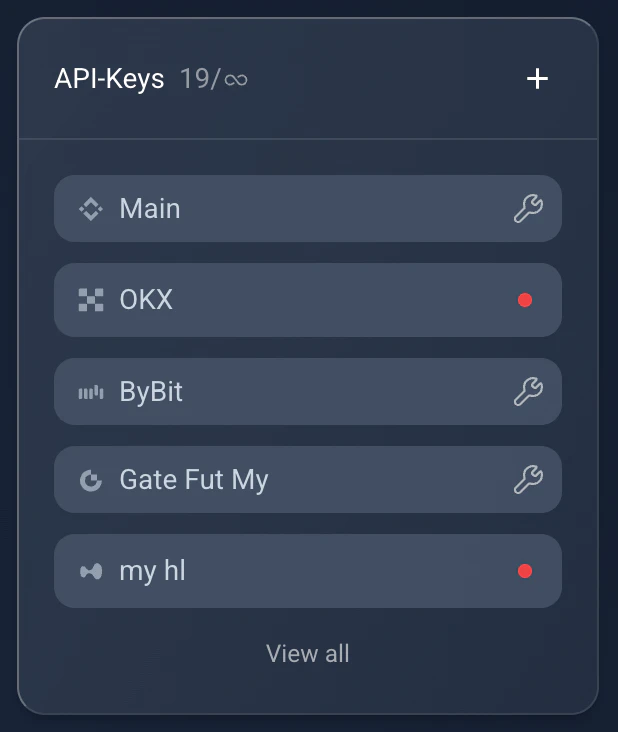
Claves API: solo las claves activas, con un icono de llave inglesa para reparar la sincronización.
Settings → API Keys. Reused from _media/settings-v2/api_keys (Mar 2026).
API e integración
Ajustes avanzados para usuarios exigentes. Este módulo solo está disponible en el plan de pago Trader o superior. Expone claves de API de desarrollador para construir tus propias integraciones y un interruptor para la integración con Cryptovizor (que requiere emails coincidentes en ambas plataformas para vincular las cuentas).
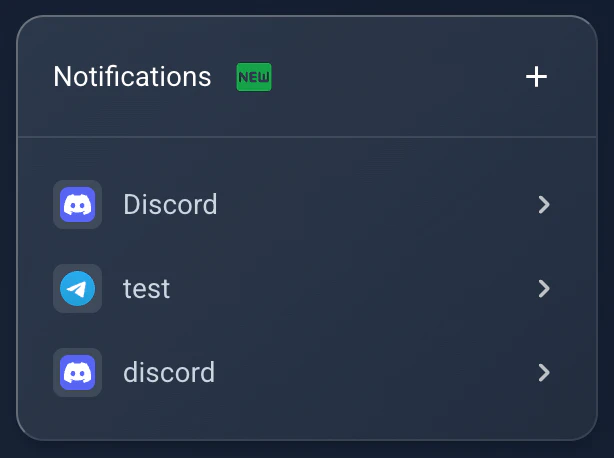
Notificaciones: estado de los enlaces con Telegram y Discord.
Settings → Notifications. Reused from _media/settings-v2/notifications (Mar 2026).
Conecta tu IA
Aquí generas un token personal para el servidor MCP de TMM, para que Claude, Claude Code o ChatGPT puedan leer tu diario. Cualquier cuenta verificada puede crear uno gratis. Puedes volver a mostrar y copiar el token desde ese mismo bloque más adelante, y también revocarlo o regenerarlo ahí. El acceso es de solo lectura: el asistente lee tus operaciones, tus métricas y tu diario, y no puede cambiar nada de tu cuenta. En la guía del servidor MCP están el endpoint y los pasos para cada cliente.
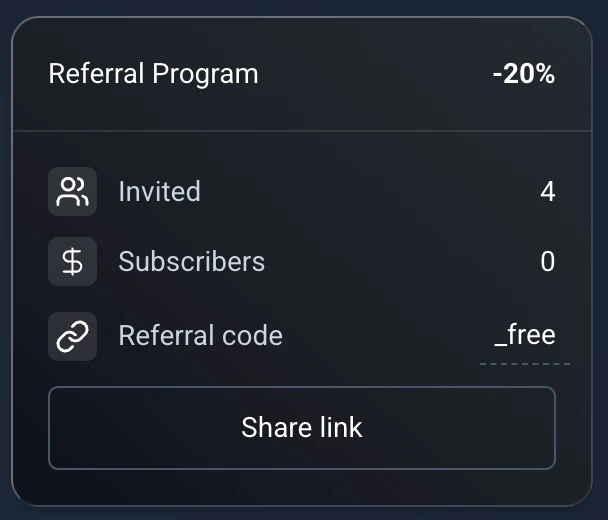
Referidos: un 20% de descuento para tu amigo y una extensión de un mes para ti.
Settings → Referral. Reused from _media/settings-v2/referral (Mar 2026); -20% and terms match ReferralBlock.vue.
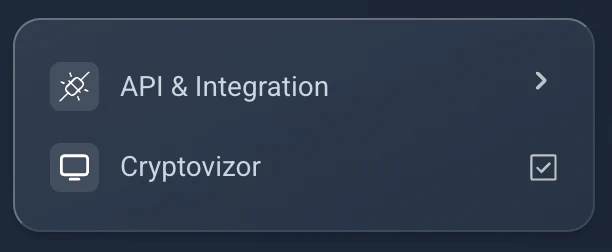
API e integración: claves de desarrollador y el interruptor de Cryptovizor (plan Trader y superiores).
Settings → API & Integration. Reused from _media/settings-v2/api_integration (Mar 2026).