Brand-new Notes section

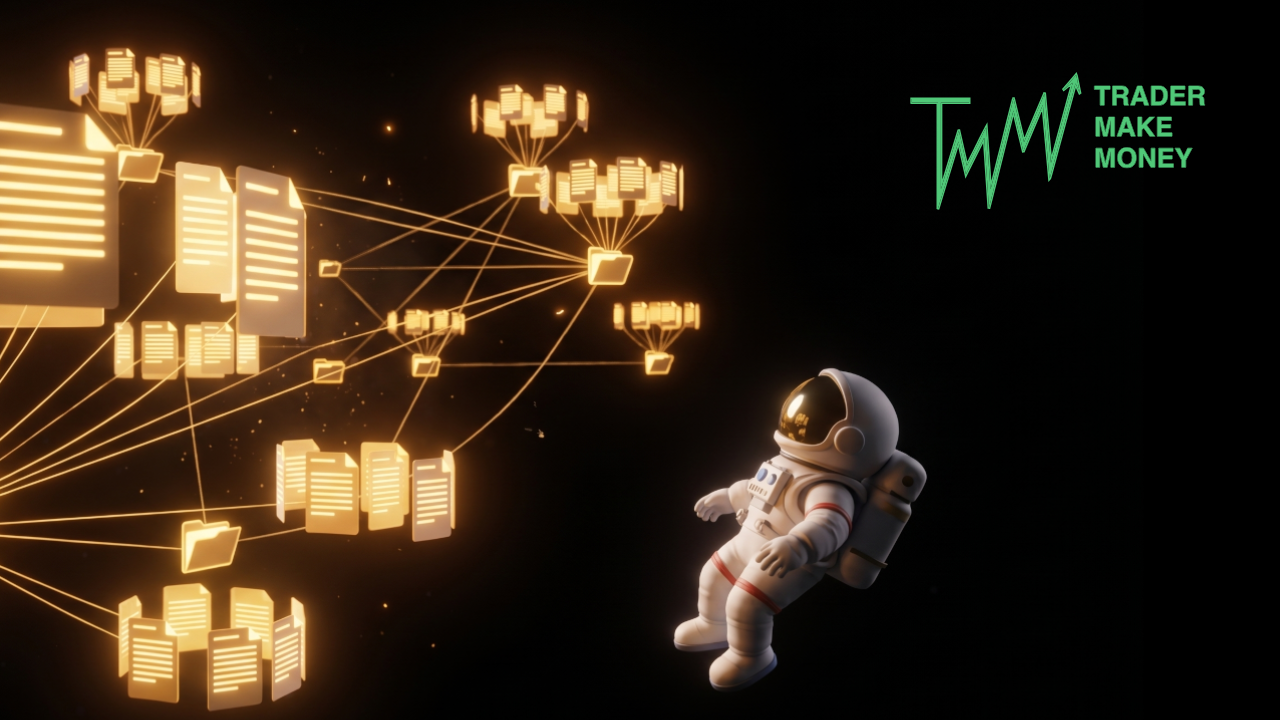
We’ve launched a brand-new Notes section!
Here’s what’s inside:
- Infinite organization: Create folders and subfolders with unlimited nesting to keep everything structured.
- Rich-text editor: Format text, embed screenshots, and customize your notes just like you would in Word.
- Voice-to-text transcription.
⚡ A quick note on voice:
Skip the typing and dictate your thoughts on the fly. It’s perfect for capturing ideas mid-trade without ever taking your eyes off the charts. Best of all? It's available across all plans.
🔍 Now, for the real game-changer—the reason we built this feature.
Tags
You can now tag any note with a specific time frame—whether it's a single day, a week, a month, or a quarter. This defines the exact period your note covers.
From there, you can attach lifestyle or psychological tags to that timeframe—like your mood, stress levels, sleep quality, or any external factor that influenced your session. This essentially bulk-tags every single trade within that period automatically, saving you from doing it manually one by one. Later, you can use filters to instantly pull up those trades and see exactly how those factors impacted your bottom line. You can create as many custom parameters as you like.
Why does this matter?
Notes are meant to capture the fleeting details that otherwise slip through the cracks—your daily game plan, post-trade breakdowns, sudden epiphanies mid-session, annotated charts, or those personal rules you set for yourself (and occasionally break). Human memory is unreliable, but your trading journal should be bulletproof. The more context you leave behind, the easier it is to pinpoint exactly what’s working and what isn't.