
AI-assistant


We recently integrated an AI Assistant into the journal. Since launch, our users have already processed over a billion tokens in conversations with it. Here is a quick breakdown of what it can do and why we built it.
Historically, working with a trading journal meant opening it up, staring at widgets, and trying to piece together your own conclusions. With so many widgets and metrics—and so little time—most of that powerful analytics data simply went to waste.
What the AI Assistant can do:
- Analyze your performance across days, weeks, or months: It automatically aggregates your data, highlights your best and worst days, calculates win rates, and flags critical trades.
- Compare tags and strategies: It instantly pinpoints what’s working, where you’re bleeding money, and when you’re overtrading.
- Review specific trades: The AI reads your trade notes, analyzes your exact entries and exits, and catches behavioral patterns—like revenge-trading three identical losses in a three-minute window.
- Deliver data-backed recommendations: Get concrete advice like, "Pause this tag for the next 50–100 trades" or "Shift your focus to tags with positive expectancy."
- Keep the conversation going: Ask follow-up questions and dive deeper into any specific insight.
To be clear, this isn’t just a summary of your widgets. The Assistant independently decides what data matters and suggests actionable next steps. A journal is only as valuable as the time you spend digging into it. Manually reviewing 100 trades can easily eat up half a day, which is why most analytics get ignored.
The Assistant eliminates that friction. You ask questions in plain language and get a comprehensive breakdown in under a minute, complete with hard data and direct links to the trades in question. The widgets aren't going anywhere—they’re still right where you left them. But now, there’s an interface between you and your data that actually knows how to speak its language. It’s a more human way to interact with your diary, without forcing you to drown in dozens of charts.
New Exchanges Supported 🔥
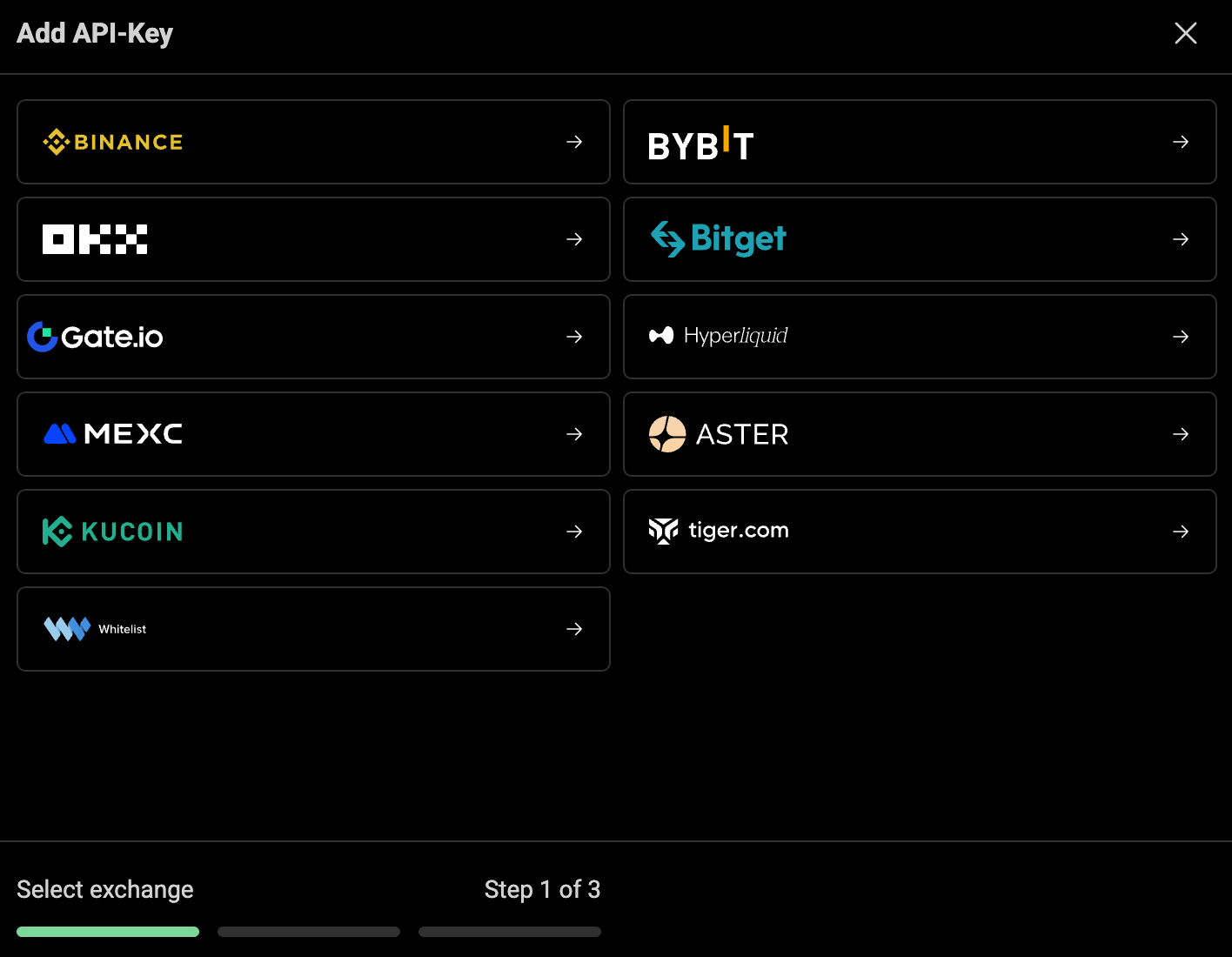
You can now connect API keys for the following exchanges: KuCoin, Aster DEX, Mexc, and HyperLiquid.
New UI Color Palette
Head over to "Account & Settings" to try out our new Terminal theme. It features a sleek, ultra-minimalist, near-pitch-black aesthetic—completely removing our signature blue accents.


